Find each stay.
Use bookable resources and the Planner to connect units, dates and reservations in one workspace.

Security by designProtezione integrata fin dalla progettazione.
EU AI Act ready
Solutions · Apartments
Find reservations for your units, prepare turnovers and support guests with the information they need for their stay.
For apartment hosts
Use bookable resources and the Planner to connect units, dates and reservations in one workspace.
Review departures and cleaning status, assign tasks and record maintenance with the team’s tools.
With the portal enabled, guests can find their stay details and the information required for online check-in.
For apartment hosts
Apartment managers need to find each stay without losing sight of the other units. Start with a clear setup of bookable resources, guest turnovers and the information to communicate.
Dates and reservations connect to configured resources. Names, capacities and conditions should make it clear which accommodation the team is handling.
Cleaning status and maintenance reports help follow unit preparation. Assignment and completion remain controls for authorised operators.
Booking Engine and the portal can support the choice and the stay. The journey collects configured information without assuming physical services or automatic access.
From a need to everyday work
One guest leaves and the next stay is approaching. Coordinate the unit, its preparation and the information needed by the arriving guest.
Find the unit’s departure and next reservation in the Planner. Review dates, occupants and useful notes.
Assign cleaning and record maintenance where needed. Check status updates with the person working in the apartment.
Verify requested information and the enabled portal’s content. Entrance instructions and physical access remain managed by the property.
FAQ
Useful answers to understand how this product fits your work.
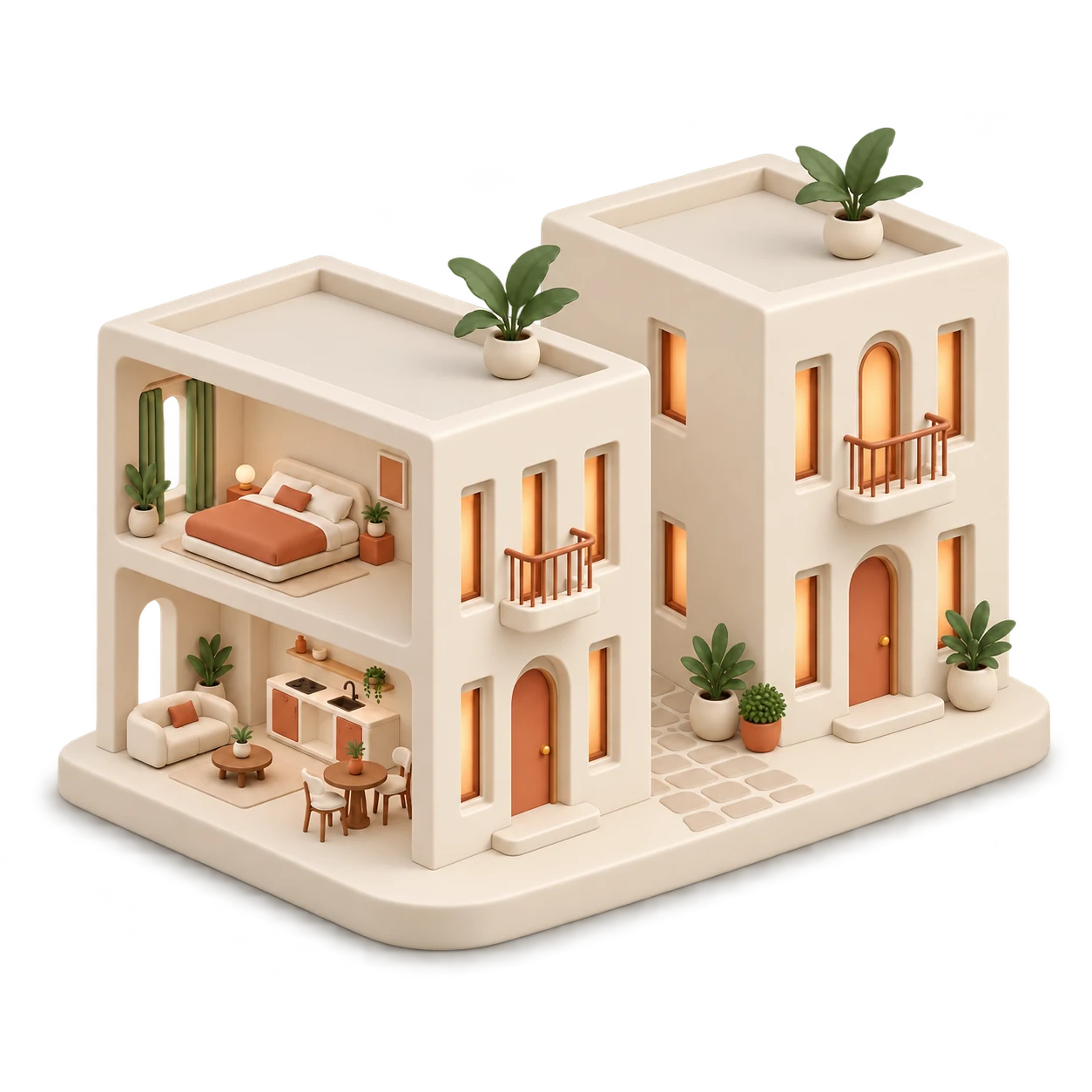
The illustration is an accommodation example: the displayed number does not establish a product limit. This page establishes neither a minimum or maximum number nor an absence of limits. Verify the actual quantity, organisation and configuration with the property.
Resource and access configuration must be reviewed. The illustration does not guarantee aggregated management across independent accounts or properties.
The catalog presented here does not promise automatic physical-access connections. Specific access requirements need a separate assessment.
Information defined by the fields and actions enabled for the property. Content, checks and connections must be configured before use.

Tell us how you organise apartments, preparation and arrivals so we can identify the workflow to demonstrate.
I prodotti Lenzuoli


 Perplexity
 Grok